How to Use ChatGPT for Your Resume
Six steps that turn ChatGPT into a fast drafting partner without producing the slop hiring managers spot in seconds. With section prompts and the ATS check that closes the loop.
- Score in 60 seconds
- Your CV stays private
- No sign-up to try
Drop your CV to start
.pdf, .docx or .doc, up to 10 MB
Prefer not to upload yet? See a sample report
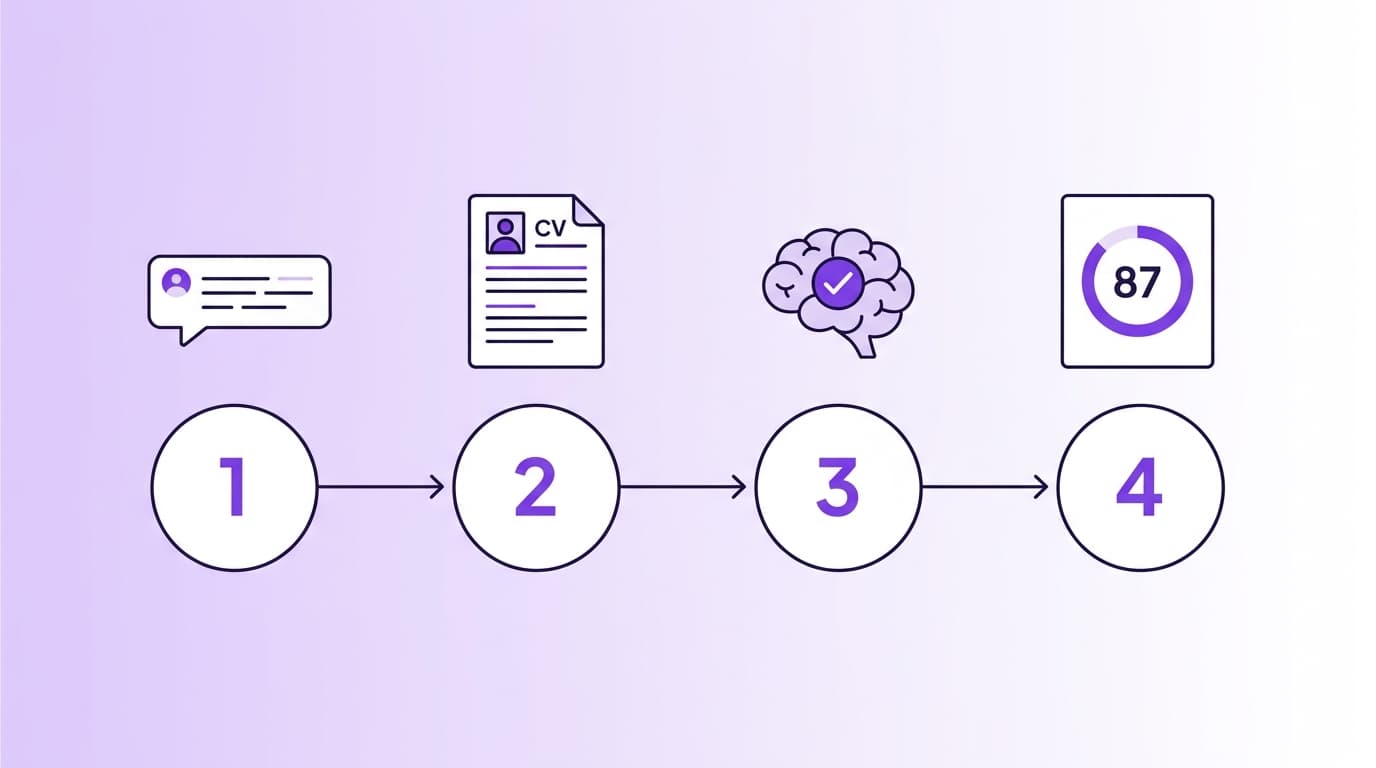
ChatGPT is a fast drafting partner, not a CV scorer
By late 2025 the Society for Human Resource Management estimated that 40 to 80 percent of job seekers were using ChatGPT for resumes, cover letters and interview prep. The same window saw a 2024 ResumeBuilder survey find 74 percent of hiring managers can identify AI-generated CVs, and 57 percent are less likely to hire candidates whose materials read as fully AI-written.
Both can be true. ChatGPT is excellent at rephrasing, drafting variants, translating jargon and outlining cover letters. It is poor at scoring CVs against an ATS, telling you whether your layout parses in Workday, or comparing your keyword coverage against a benchmark of postings. The workflow below uses ChatGPT for what it does well, then closes the loop with our free ATS resume checker for what it cannot do.
If you want a deeper comparison, see ChatGPT vs purpose-built AI for resume review. For the prompt library, see our 25 ChatGPT resume prompts.
The six-step workflow
Follow each step in order. Skipping any one of them is how AI slop ends up in your submitted CV.
- 01
Prepare your inputs before opening ChatGPT
Before you type a single prompt, write down the role you are targeting, the company, the seniority level, your two strongest specialisms, your real achievements with the actual numbers, and any AI tells you want banned (passionate, results-driven, leveraged, spearheaded). This is the context the model needs. The 2026 TechMitra guide puts it directly: AI works best with structured input.
Practical move
Open a notes file. Write three lines for every role: what you did, the metric you moved, the scope. Keep it factual. ChatGPT cannot invent these for you, only rephrase them.
- 02
Build a master prompt with role, context, constraints
Start every session with "You are a senior recruiter for [function] roles at [type of company]. You write CV copy that passes ATS, sounds human, and uses no marketing language." Then paste your inputs. MIT Sloan's guidance lists role assignment, context and explicit constraints as the three highest-leverage levers in prompt engineering, and you should use all three on every CV prompt.
Watch out
Generic openers like "improve my resume" produce generic output. The same prompt without role assignment loses 30 to 40 percent of the lift you would otherwise get.
- 03
Generate one section at a time
Do the summary first. Then experience, role by role. Then skills. Then cover letter if you need one. Trying to "rewrite my whole CV" in one prompt produces inconsistent output: the summary takes one tone, the bullets another, and the skills list drifts off topic. Jobscan's 2026 ChatGPT guide and Coursera both recommend this section-by-section approach.
Practical move
For each section, share only the relevant context. The model holds 100 percent of the inputs you give it, and 0 percent of the ones you forget.
- 04
Quantify every claim, but never let ChatGPT invent numbers
Resumes with measurable achievements outperform duty-listing CVs across every 2026 callback study we cite. The fix is to give ChatGPT the actual number. If you do not have one, instruct it to flag the bullet with a placeholder in square brackets rather than invent one. Open Access Government testing in 2025 showed ChatGPT was 73 percent consistent on identical prompts and willingly hallucinates plausible numbers when asked to "add metrics".
Practical move
Add this line to every bullet prompt: "If the original has no metric, flag where one should go in square brackets rather than inventing one."
- 05
Read, edit, and strip the AI tells
The 2024 ResumeBuilder survey found 74 percent of hiring managers can identify AI-generated resumes and 57 percent are less likely to hire candidates whose CVs read as fully AI-written. The tells are repeatable phrases: "collaborated cross-functionally", "drove strategic initiatives", "leveraged data to inform decisions", "passionate", "spearheaded". Search for each, swap them for a concrete sentence about what you actually did.
Watch out
If a bullet reads "exactly how a competent person would describe this work in two sentences", keep it. If it reads "exactly how a confident press release would describe a fictional person", rewrite it.
- 06
Validate against ATS, then submit
ChatGPT does not know what Workday or Greenhouse do with two-column layouts, headers, or icon-prefixed contact lines. The Jobscan 2025 ATS Usage Report found 97.8 percent of Fortune 500 companies use an ATS, and 39 percent of those run Workday. After your edits, run the result through our free ATS checker. The score tells you whether the parsing holds and the fix list shows where it does not.
Practical move
Aim for an ATS score of 80 or above before you submit. If you are below that, the checker tells you exactly which dimension is dropping points, and which fix moves the score most.
Six prompts you can paste right now
These cover the most common use cases inside the workflow. For the full prompt library by section, see 25 ChatGPT resume prompts.
Master prompt (start every session with this)
You are a senior recruiter for [function] roles at [type of company]. You write CV copy that passes ATS, sounds human, and uses no marketing language. Banned phrases: "passionate", "results-driven", "spearheaded", "leveraged", "proven track record", "collaborated cross-functionally", "drove strategic initiatives". Banned format: em dashes, exclamation marks, generic adjectives. Always confirm what you are working on before you start, ask one clarifying question if needed, then write.
Summary
Write a 50-word professional summary for this CV. Two to three sentences. State seniority, function, two strongest specialisms, one quantified outcome from the CV. Do not invent numbers. Banned phrases as in the master prompt.

CV: "[paste your CV or relevant blocks]"
Experience bullet
Rewrite this CV bullet using a strong action verb and a measurable outcome. Keep it under 20 words. No filler. If the original has no metric, flag where one should go in square brackets rather than inventing one.

Original bullet: "[paste]"

My actual contribution: [one sentence]
Skills
Group this list of skills into three categories: Languages, Tools, Methods. Order each category by relevance to a [target role]. Drop anything that does not fit a CV skills section.

Skills: [comma-separated list]
Cover letter
Draft a four-paragraph cover letter for [target role] at [company]. Specific opener (no "I am writing to apply"), one paragraph on relevant experience, one paragraph on why this company (reference: [factual detail you researched]), sign off with a clear next step. Under 300 words. British English.

CV: "[paste]"

Job spec: "[paste]"
Keyword gap analysis
Compare this CV against this job spec. List every important skill, tool or method the spec mentions that does not appear in my CV. For each, suggest the most truthful place I could add it. Do not invent skills.

CV: "[paste]"

Job spec: "[paste]"
Six dos and six don’ts
The shortlist from every ChatGPT-for-CV workflow that ships a CV worth reading.
Do
- Paste your real CV blocks and your real numbers
- Generate one section at a time
- Add banned-phrase constraints to every prompt
- Tell it to flag missing metrics rather than invent them
- Test against ATS before submitting
- Save the prompts that worked for next time
Do not
- Type "improve my resume" and ship the output
- Let it add numbers you cannot defend in an interview
- Submit without reading every bullet for AI tells
- Use the same generic summary across every application
- Skip the ATS check, especially for two-column or designer CVs
- Paste sensitive details (visa, salary, address) without checking privacy settings
Step six: score it against ATS
The workflow ends with a real ATS check. Drop your finished CV into the free checker for the score plus a ranked fix list.
Frequently asked questions
Everything we get asked about combining ChatGPT and a CV without producing the AI slop that gets you screened out.
Related tools
AI resume tools
Can ChatGPT Write Your Resume? The Honest 2026 Answer
A direct answer with 2026 data: what happens when you let ChatGPT write your CV from scratch, what 78 percent of users got right, where the 49 percent auto-dismiss rate comes from, and the workflow that protects you.
AI resume tools
ChatGPT Resume: The Complete 2026 Guide
The broad guide. 51 percent of job seekers used ChatGPT to write their CV in 2026. Here is what works, what fails, the four ways to use it, and links to deeper material on prompts, workflow, and ATS scoring.
AI resume tools
AI Resume Checker: How It Works and What to Look For (2026)
How AI resume checkers actually work in 2026. The five dimensions modern tools score, the 15 to 20 point spread across major tools, and what to expect from a free check versus a paid one.
Read next
CV summary examples that get read
Professional summaries by seniority, with templates and the words that actually pull recruiter attention.
Read articleSkills to put on your CV
The skills that score highest in 2026 and how to phrase them so an ATS picks them up.
Read articleSelf-introduction examples for interviews
How to introduce yourself in a job interview, with examples by seniority and function.
Read article